Put a Gold Strategy on Autopilot — a Track Record of 22 Straight Winning Months
Hands-off mirroring of a specialist XAUUSD desk — on an amplified account that historically targets around 19% net monthly on your own capital.
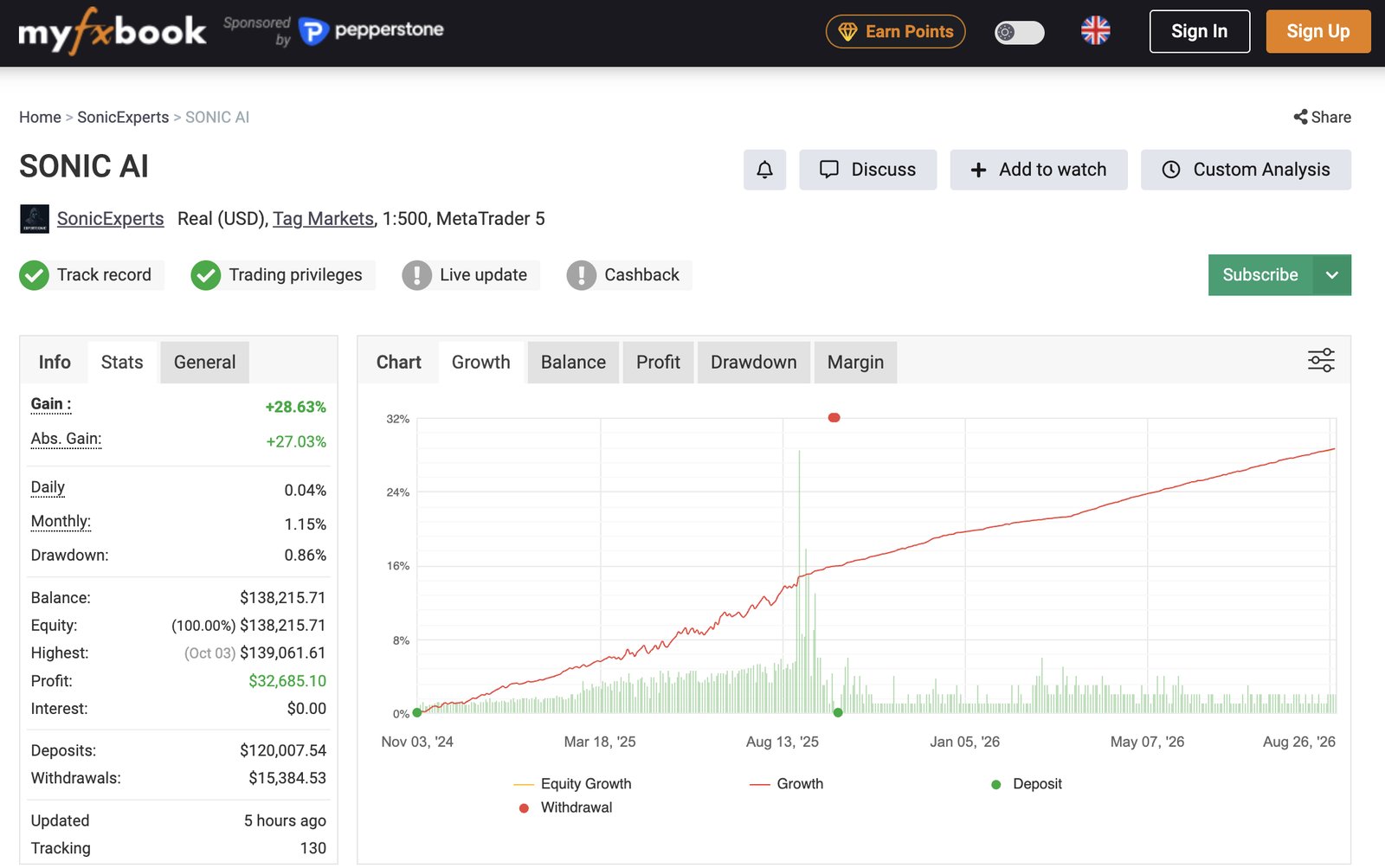
This is past performance, independently audited on MyFXBook — not a holding period or a guarantee of future results.
Sonic AI en 90 segundos
Lo que obtienes como inversor: el historial, la cuenta 24X, los costes y cómo empezar.
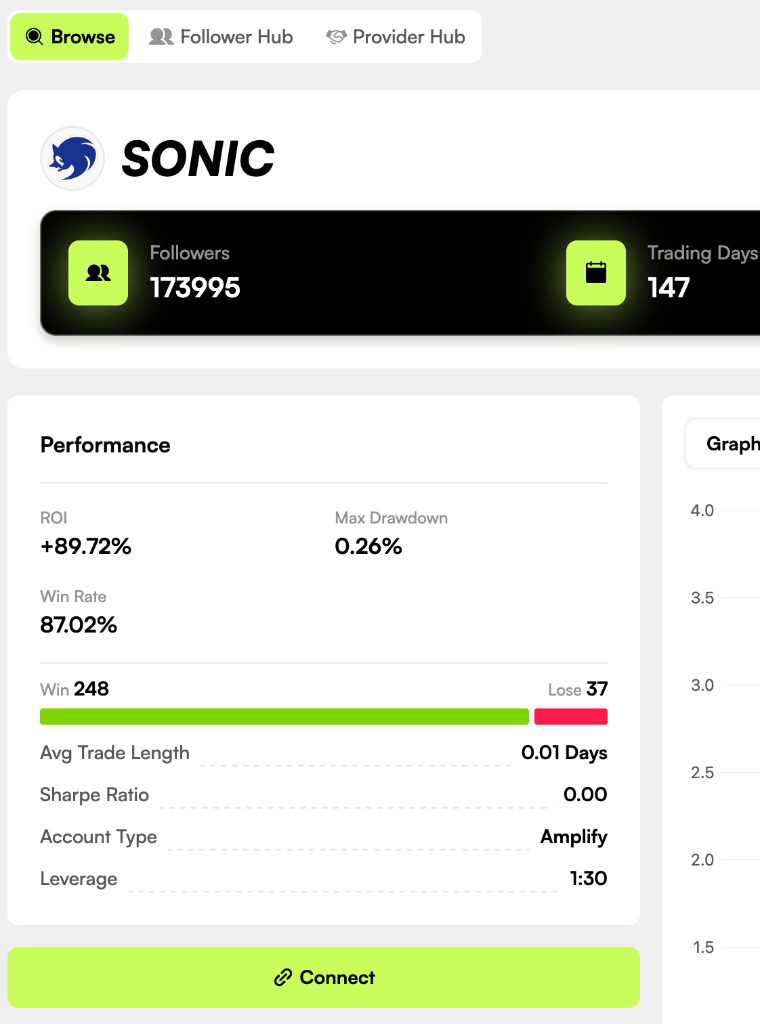
The record, in four numbers
Every metric below is drawn from the full twenty-two-month audited history.
One market, done well
A dedicated desk trades gold and nothing else. When the team opens a position, it replicates straight into follower accounts in the same instant.
Proof, not promises
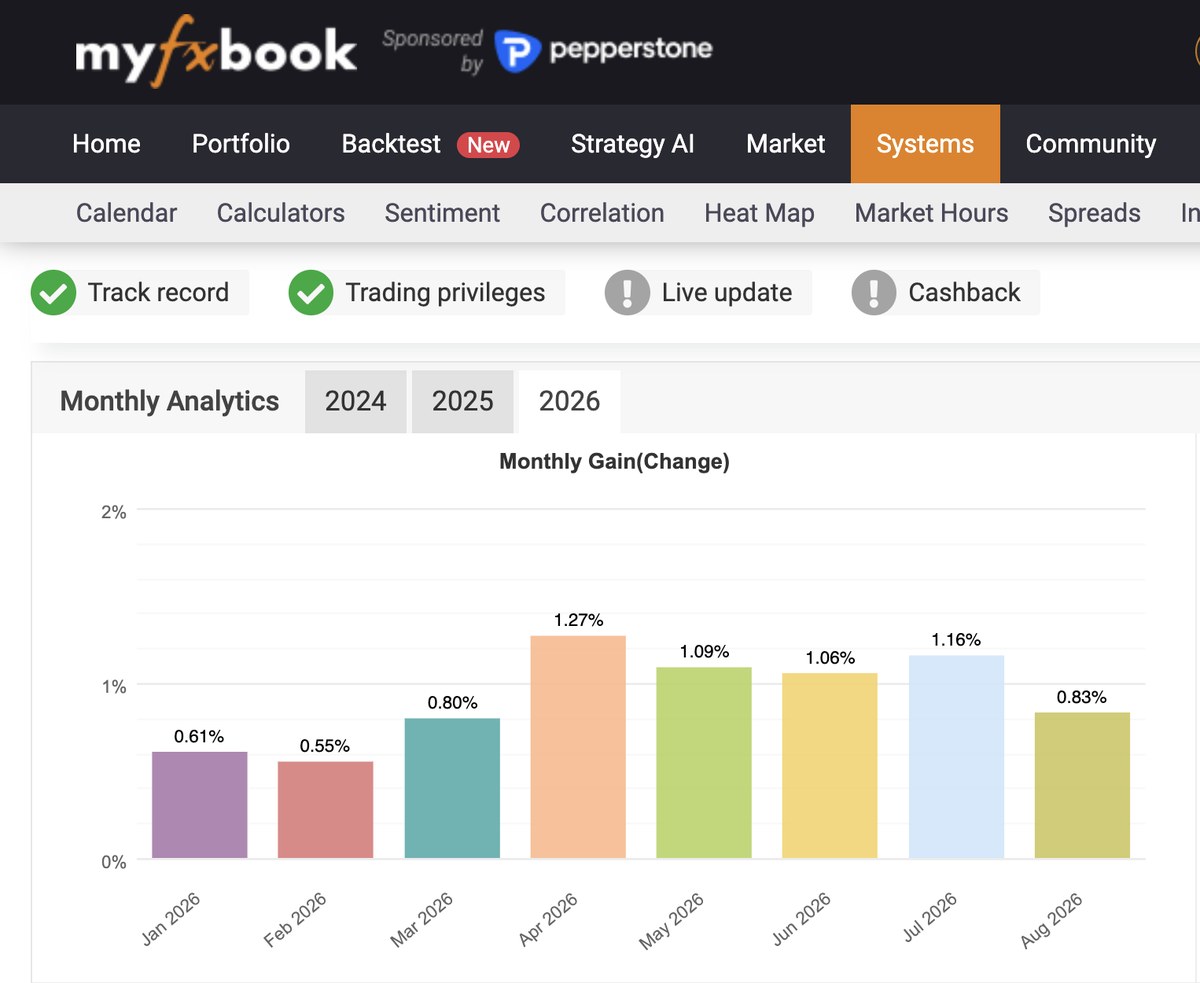
Twenty-two profitable months in a row, an 83% win rate, and a worst drawdown held under one percent — all checked independently through MyFXBook.
Built on COPYX
Copying runs on COPYX, the platform from TAG Markets, which holds a licence from the Financial Services Commission of Mauritius.
Why a "1% a month" strategy targets ~19% on your capital
The strategy stays deliberately conservative at the fund level. Amplified accounts are what turn small, low-risk gold trades into a meaningful monthly return on the money you put in.
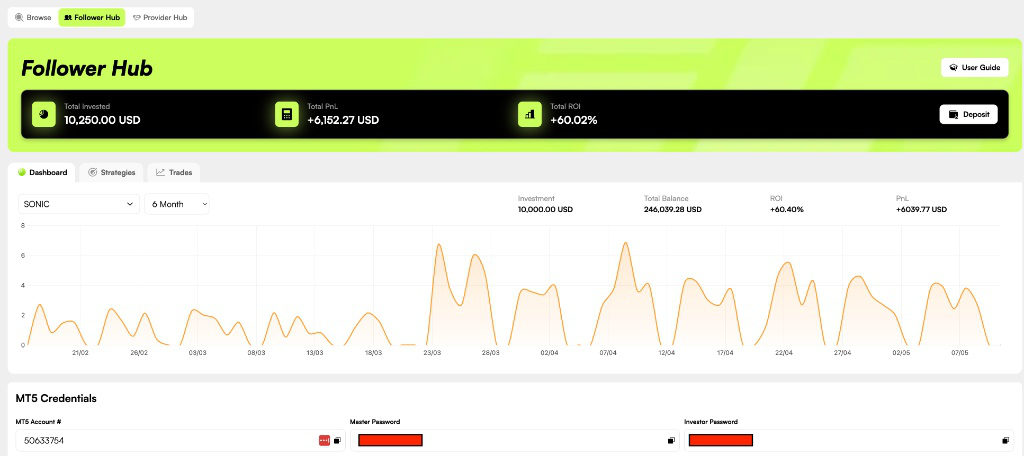
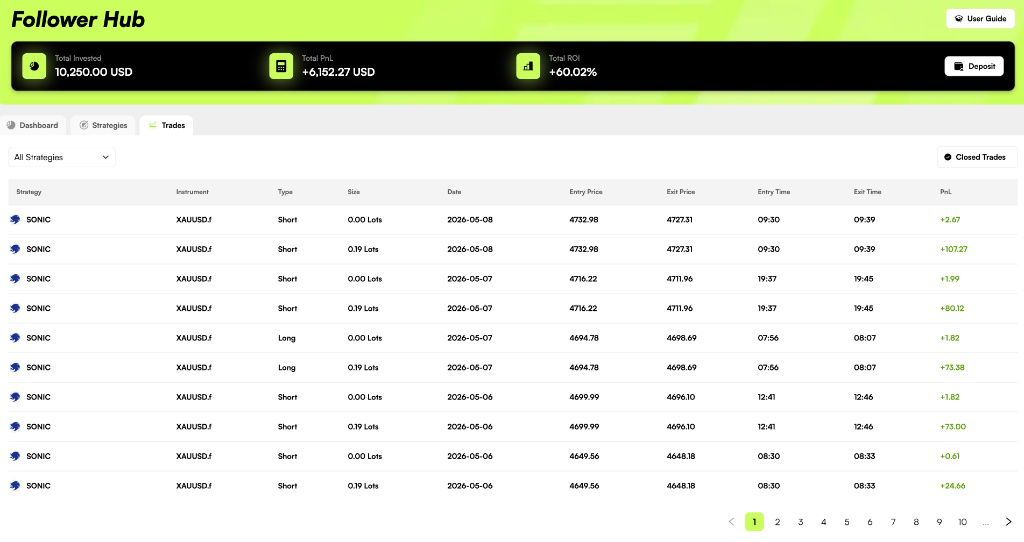
Amplified to a ~$9.6M trading portfolio, the account produced roughly $295,000 net profit across the period. The investor later added more capital — every balance and trade is visible in the COPYX Follower Hub.
 T.M. Financials LtdMetaTrader 5 broker
See a real account, since day one
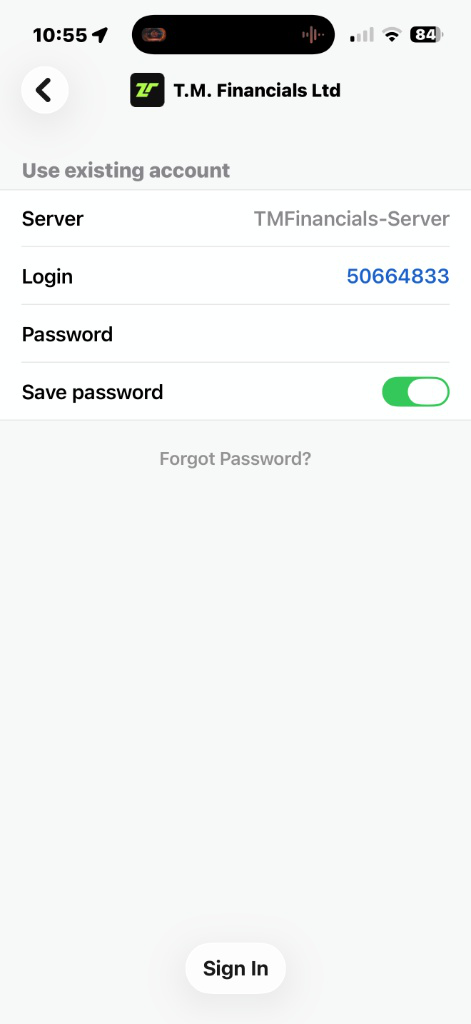
A client account connected on the very first day Sonic AI launched on CopyX. Open MetaTrader 5, log in with the investor password below, and read the full history yourself.
A clean example of what compounding does over time.
No monthly fees. Start from $10.
Invest whatever amount suits you, from as little as $10. No subscription, no management fee — the only cost is a performance fee taken on profit.
You keep 70%
The 30% performance fee is charged only on profit and deducted weekly. No profit means no fee — your interests and the team's are aligned.
Start from $10
Put in what you're comfortable with. No monthly charge, no subscription, and no management fee eating into your balance.
Profits, your way
Withdraw or reinvest your profits any day — your choice. Your initial capital unlocks after a 30-day liquidity-provider period required by the broker.
A regulated, insured place for your capital
Before you deposit anything, here's what stands behind the strategy and your money.
Regulated broker
TAG Markets (TM Financials Ltd) is licensed by the FSC of Mauritius and the FSCA in South Africa — with over 1,000,000 clients and $920B traded in August 2026.
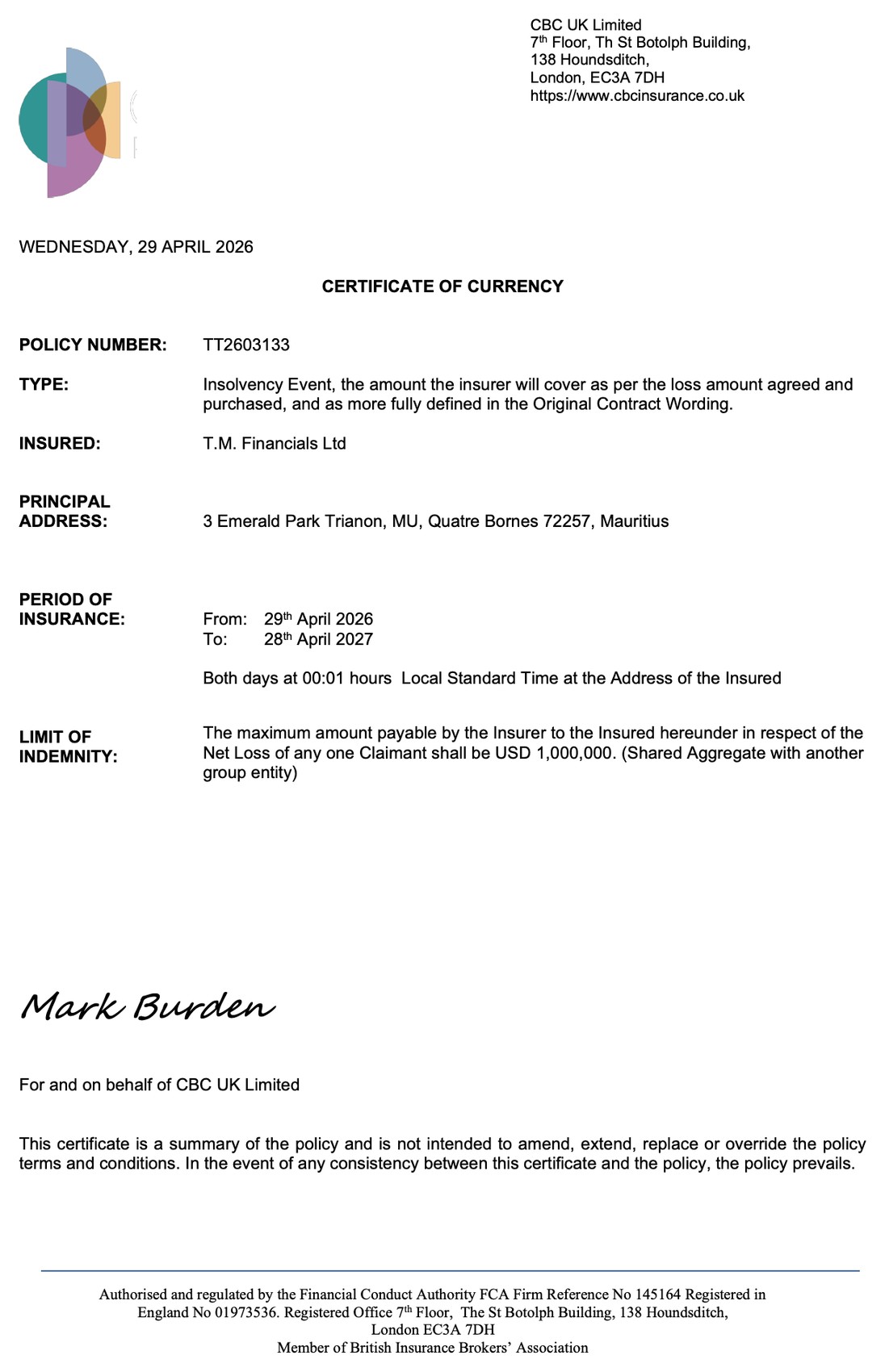
$1M Lloyd's of London cover
Client funds are insured up to $1,000,000 per account against broker insolvency, underwritten by Lloyd's of London. View the policy →
Independently verified
Every trade, the win rate and the drawdown are public on MyFXBook before you invest — nothing is self-reported.
Risk math in your favour
Max 0.04% risk per trade means it would take ~100 losing trades in a row to hit the drawdown limit. Only two consecutive losses have ever been recorded.
Seven stories. Ten articles. Four weeks.
We don't ask you to take our figures on trust. Here is where else they were printed.
$920B is our own August 2026 figure. Other numbers as reported by Forbes and Tech Times, September 2026.
Coverage of TAG Markets, the partner broker. This page is operated by an independent CopyX partner and is not endorsed by any publication listed.
Live in three moves
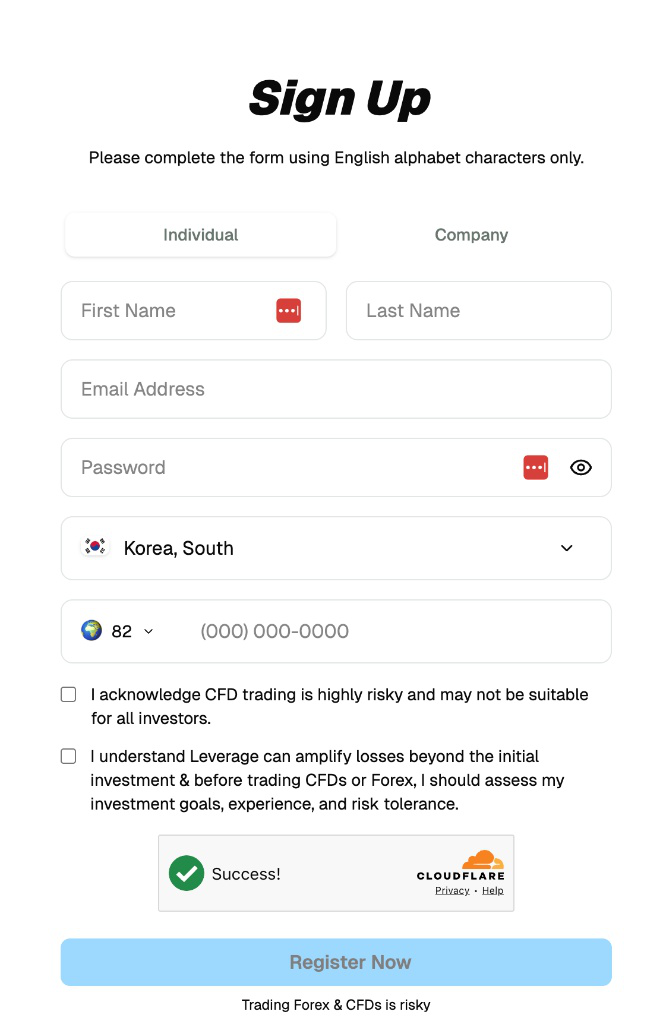
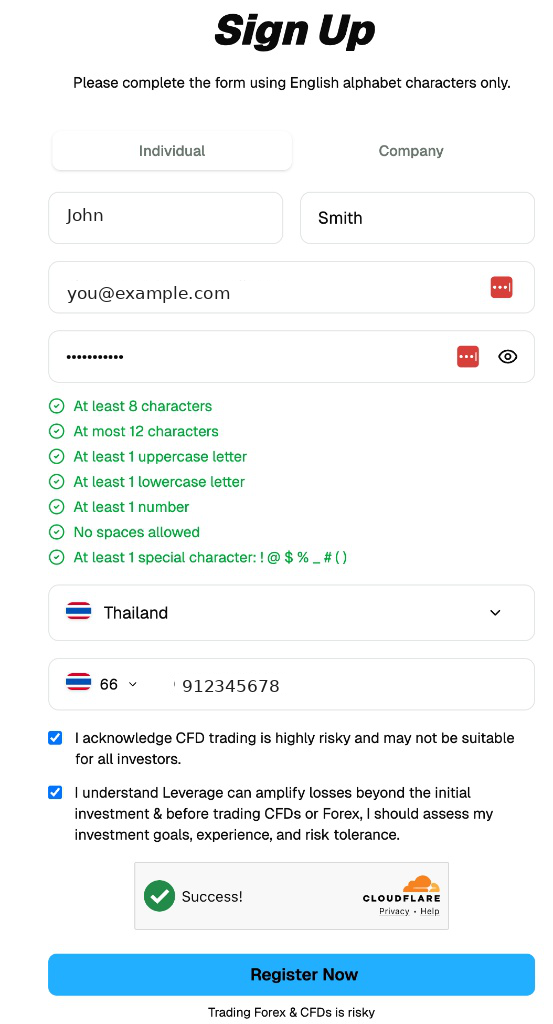
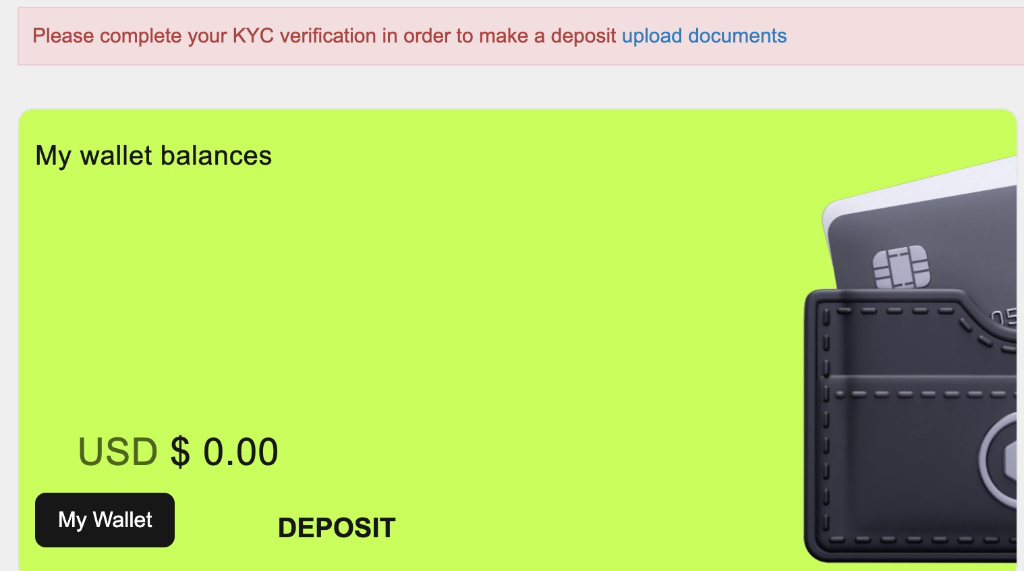
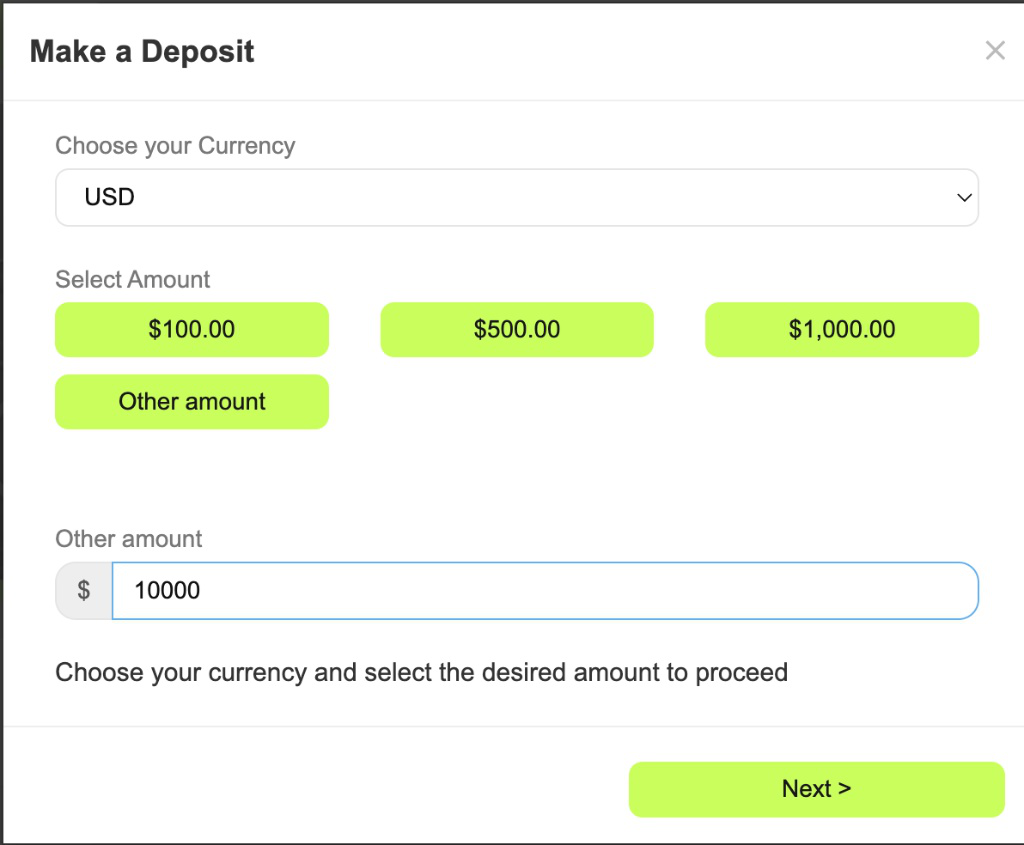
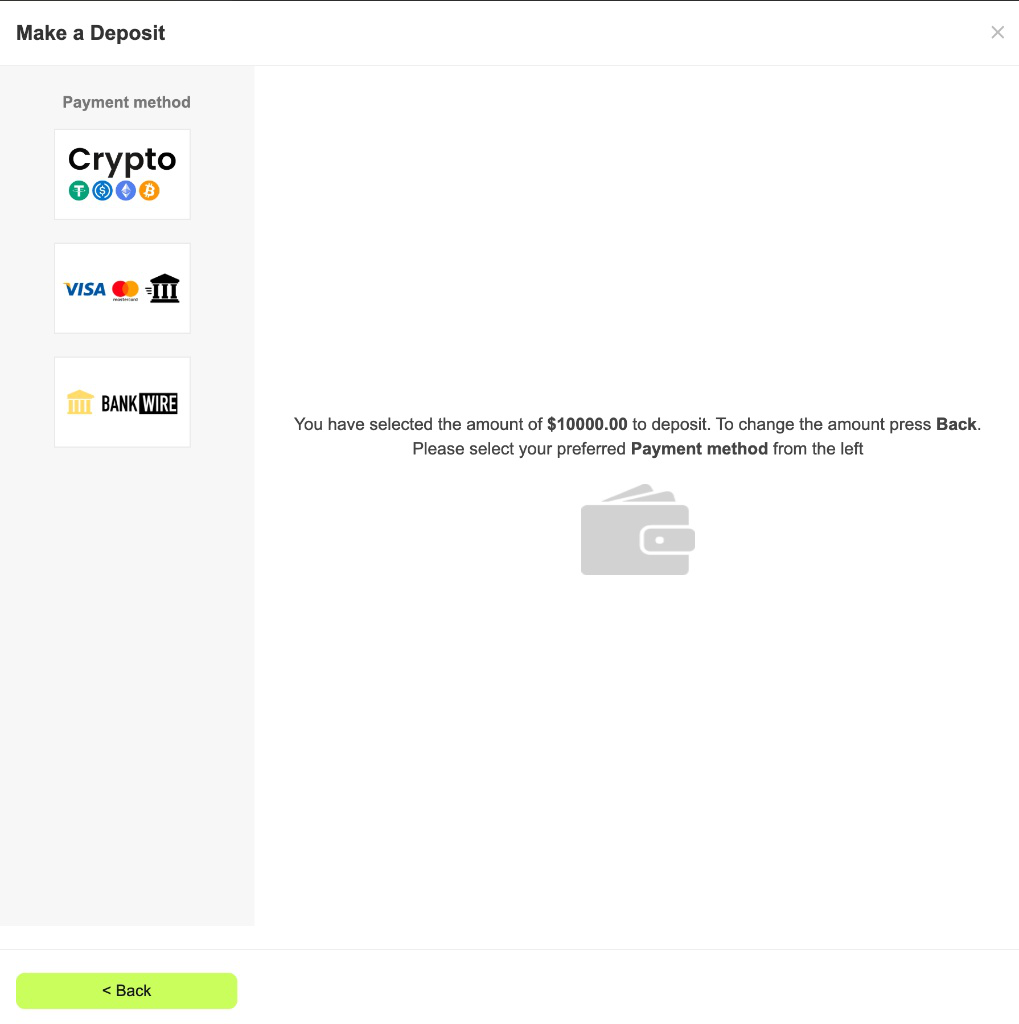
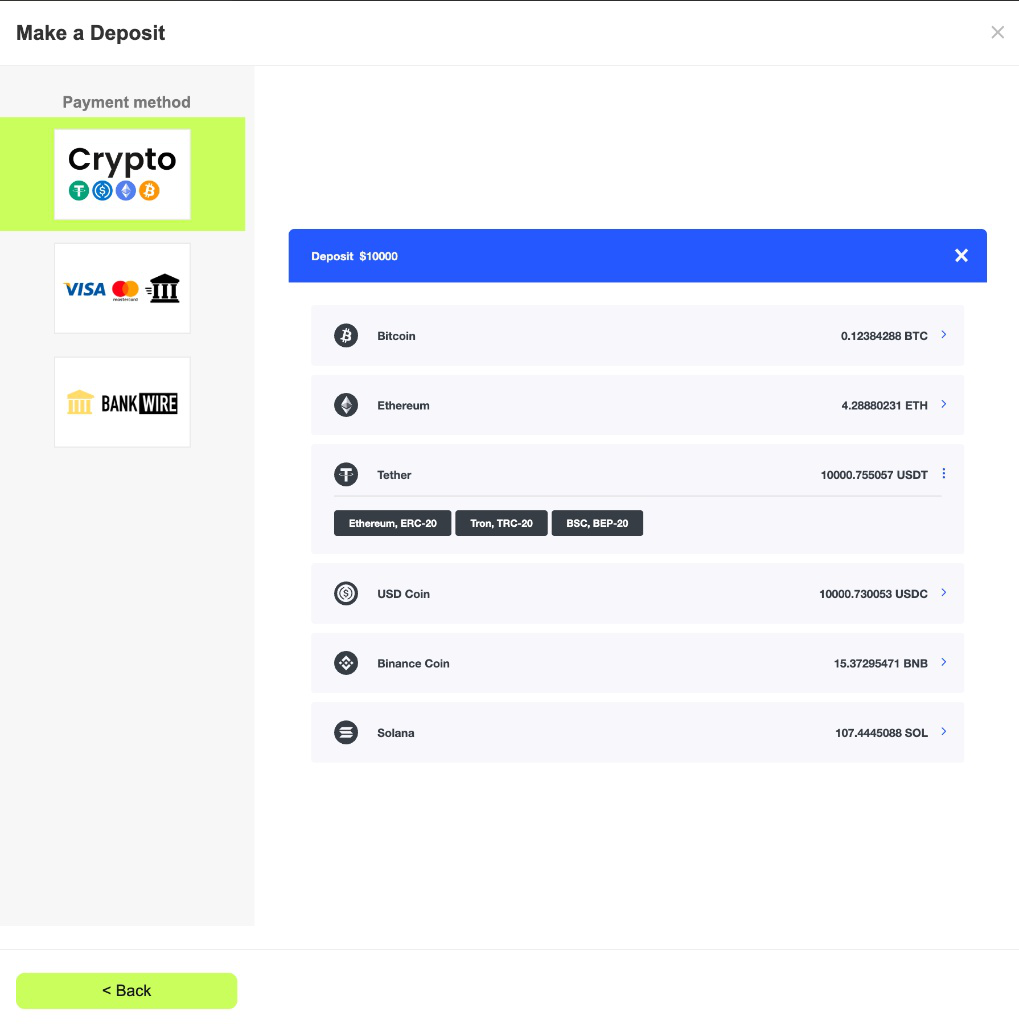
Open a free account through your invitation link and you're routed straight into TAG Markets and Sonic AI. A full 14-step visual guide walks you through it.
Create your account
Sign up with TAG Markets through this page. The whole thing is online and takes roughly ten minutes.
Deposit and link
Add funds, then connect the account to Sonic AI inside COPYX — a handful of clicks and you're paired.
Let it run
From there the strategy trades for you. Each position is mirrored into your account on a proportional basis while you simply watch.
Switching on your 24X account
There's nothing to pay and no personal code to chase — the same values work for everyone. Just follow the two phases below.
24X Account Setup
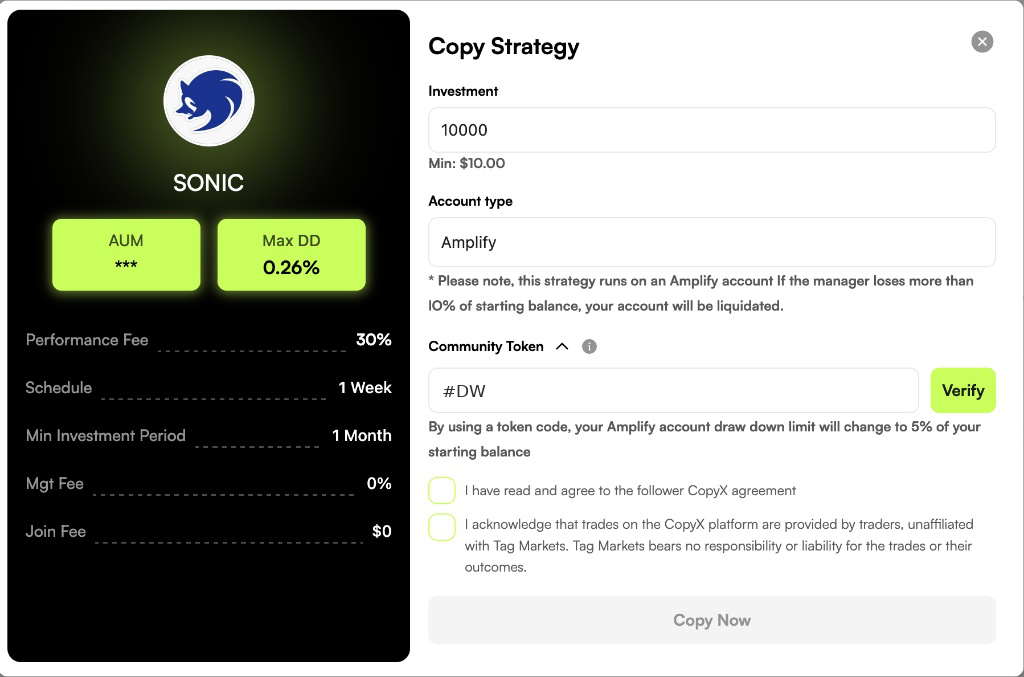
Roughly two minutes inside the COPYX "Copy Strategy" window.
Sign up using the invitation link you were given.
- Enter your investment amount and check that Account Type reads Amplify.
- Open the Community Token dropdown.
- Type
#DWand hit Verify. - Leave the Token Burn Wallet Address as it auto-fills.
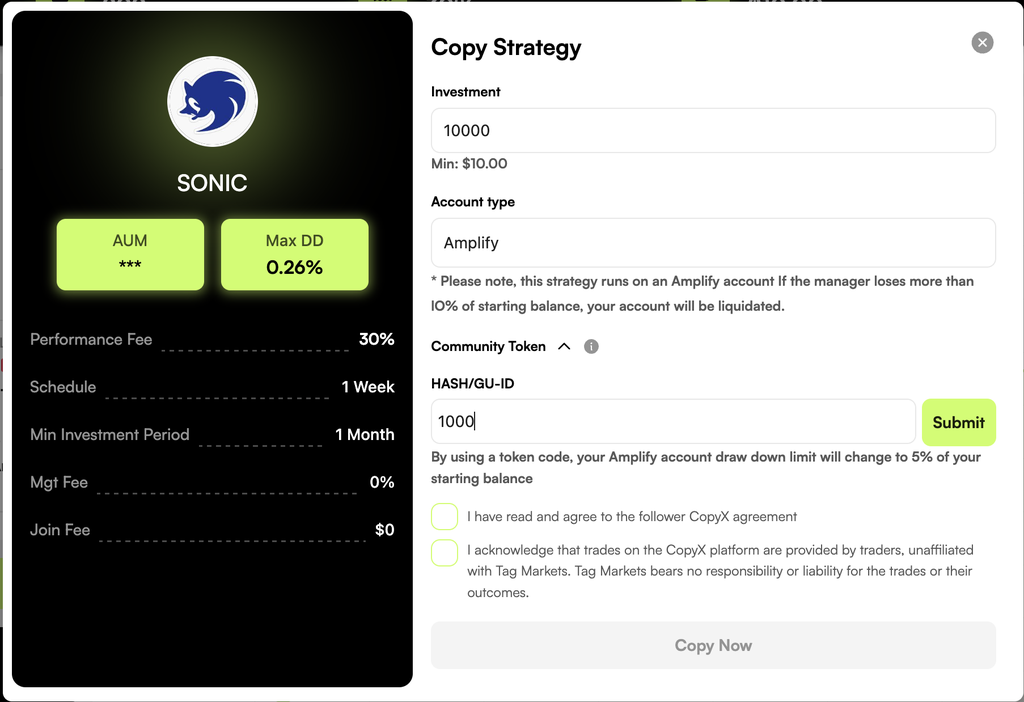
- In the HASH/GU-ID field, enter
1000. - Press Submit.
- Tick both agreement boxes and click Copy Now.